Client-Side Password Generation: Secure & Private Creation Explained
In today’s digital world, your online security is only as strong as your weakest password. Every day, we hear news about massive data breaches and hacked accounts. This leads many people to look for a better way to protect themselves. Using a secure, privacy-first password tool is the first step toward safety. But there is a deeper question most users forget to ask: Where are your passwords actually created?
When you use an online tool, you are often trusting a remote server with your sensitive data. If that server is not secure, your new password could be intercepted before you even use it. This is where a revolutionary technology called client-side password generation comes into play. It changes the way we think about privacy and digital safety.
This article will help you understand how this technology works and why it is the gold standard for modern security. We will explore the mechanics behind your browser and show you how to take full control of your digital identity. By the end of this guide, you will know exactly why choosing a privacy-first tool is the best decision for your data.
What Is Client-Side Password Generation?
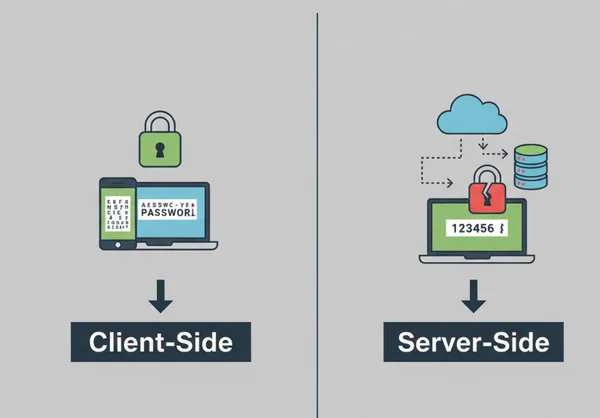
At its simplest level, client-side password generation means that the password is created directly on your device. Whether you are using a laptop, a smartphone, or a tablet, the work happens locally. The website you are visiting provides the code, but your own hardware does the "thinking."
This approach is the opposite of server-side generation. In older systems, you would click a button, and a computer in a far-away data center would pick a password for you. That password would then travel across the internet to reach your screen. Client-side technology removes this journey entirely, making the process much safer.
The Evolution of Password Generation: From Servers to Your Browser
In the early days of the internet, browsers were very simple. They could display text and images, but they could not handle complex security tasks. If you needed a privacy-focused creation tool, a server had to do the heavy lifting. This created a major "middle-man" problem. If a hacker intercepted the data during its trip, your security was gone.
As web technology improved, browsers became much more powerful. Modern browsers like Chrome, Firefox, and Safari now include advanced tools for math and logic. Developers realized they could move the "password factory" from the server into the user's browser. This shift was a huge win for privacy. It meant that the "secret" never had to leave the user's hands.
Browser Security: Your Local Password Factory
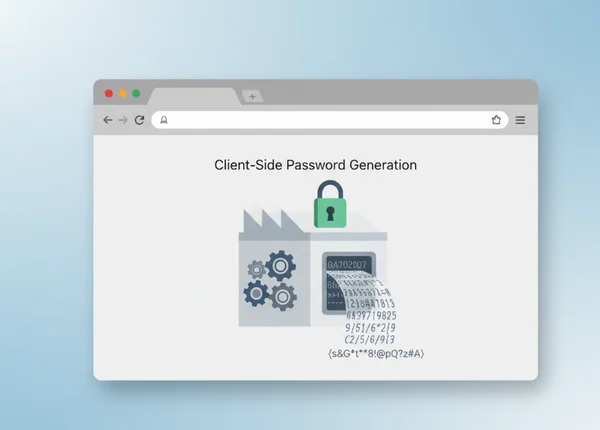
Think of your browser as a private, locked room. When you visit a site that uses client-side generation, the site hands you a set of instructions. Your browser reads those instructions and builds a unique password inside that locked room.
Because the process stays inside your browser, the website owner never sees the result. There is no transmission of the password over the internet. This local "factory" ensures that your generated passwords remain safe even if the website's server is compromised. Since they were never stored there in the first place, they cannot be stolen from the server. It is a simple but powerful way to stay hidden from prying eyes.
The Technical Mechanics Behind Client-Side Security
To understand why this is so secure, we need to look at the "engine" under the hood. You don't need to be a coder to understand the basics. The security relies on two main things: a special language and a source of true randomness.
JavaScript Cryptography: Building Blocks of Secure Generation
Most modern websites use a language called JavaScript. Inside this language is a powerful tool called the Web Crypto API. This is a built-in library designed specifically for high-level security tasks.
Our randomized creation tool uses the Web Crypto API. This tool performs complex math to guarantee unpredictable results. Unlike basic math functions that might repeat patterns, these cryptographic tools are designed for maximum entropy. This makes it nearly impossible for a computer program to guess what the next password might be.
Entropy Sources: Where Randomness Comes From in Your Browser
In the world of security, randomness is called "entropy." A password that is easy to guess has low entropy. A password that is totally random has high entropy. But how does a computer—which follows strict rules—create something truly random?
Your browser collects tiny, unpredictable bits of data from your system. These might include:
- The exact millisecond you clicked a button.
- Tiny variations in your mouse movements.
- Background noise from your computer's hardware.
These "seeds" of randomness are fed into the generation engine. This ensures that every time you click "Generate," the result is unique and strong. By using your local system’s entropy, the tool ensures that no two users will ever get the same result.
Client-Side vs. Server-Side: The Security Showdown
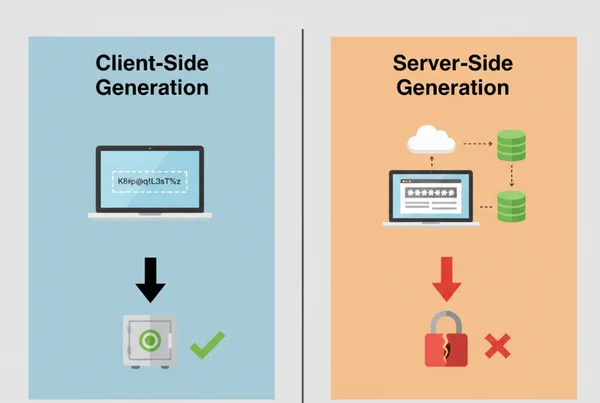
When choosing a privacy-oriented security tool, the showdown between client-side and server-side is very clear. One method prioritizes your privacy, while the other creates unnecessary risks.
The Privacy Advantage: Why Local Generation Is Non-Negotiable Today
The biggest advantage of local generation is the "Zero Knowledge" principle. This means the service provider has zero knowledge of your data. In an age of mass surveillance and data harvesting, this is a non-negotiable feature for many users.
Locally generated passwords leave no server logs. Even if hackers or governments demand data, website owners have nothing to share. Your passwords stay on your screen and in your clipboard—nowhere else. This puts the power back into your hands.
Security Vulnerabilities: Where Server-Side Approaches Fall Short
Server-side generators have several weak points that put you at risk:
- Data Breaches: If the website’s database is compromised, every password ever generated and stored could be stolen.
- Server Logs: Many servers automatically record everything that happens. This means your "secret" password might be sitting in a plain-text log file.
- Interception: Even with encryption (HTTPS), data traveling over the web can sometimes be intercepted by sophisticated "Man-in-the-Middle" attacks.
By avoiding the server entirely, you bypass these risks. You don't have to worry about the website's security standards because your sensitive data never reaches their hardware.
Real-World Implementation: How Our Privacy-First Generator Ensures Maximum Security
Our privacy-first password generator ensures that security is transparent and easy to use. Our tool is built from the ground up to protect your privacy using the latest client-side standards.
The Zero-Data-Storage Promise: How We Never Touch Your Passwords
Our core value is simple: We don't want your data. When you use our free client-side utility, all the work is done by your browser. We do not use databases to store your passwords. We do not use cookies to track what you generate.
When you close your browser tab, your session is gone. While we provide a "Password History" feature for your convenience, that history is stored only in your local browser memory. It never leaves your device. This "Zero-Data-Storage" promise is why thousands of security-conscious professionals trust us every day.
Verification Methods: Proving Client-Side Security
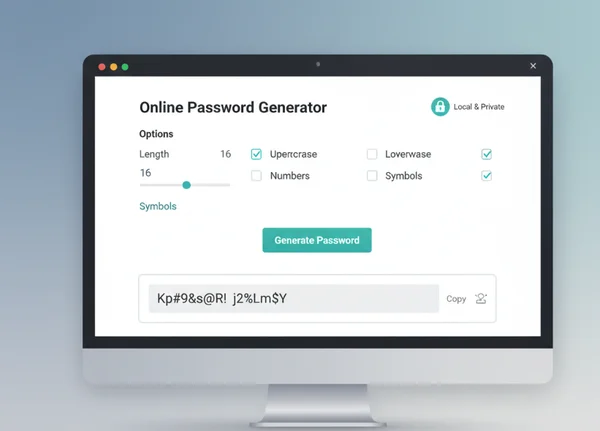
We understand that "trust" is something that must be earned. Tech-savvy users can easily verify that our tool is purely client-side. You can do this by using the "Developer Tools" in your browser:
- Open the "Network" tab.
- Click the "Generate" button on our site.
- Observe that no new data packets are sent to our server when the password appears.
This transparency proves that the code is running locally. We invite users to test our secure generator and see the speed and security for themselves. We provide a clean, simple interface that hides the complex math while keeping the safety at the highest level.
Your Security, Your Control: The Future of Password Generation
Client-side generation isn’t just a trend—it’s the future of password security. We can no longer rely on simple passwords or trust every website we visit. This technology is a vital tool for anyone who cares about their digital footprint. It offers a perfect balance: the complexity needed to stop hackers and the privacy needed to protect your identity.
By moving the generation process to your own device, you eliminate the risks of server leaks and data logging. You become the owner of your security. Whether you need a 64-character random string, a memorable passphrase, or a simple PIN, doing it locally is the only way to ensure 100% privacy.
Are you ready to upgrade your security? Don't leave your safety to chance or to remote servers. Take control of your digital life today. Use our client-side password tool to create a locally generated password that is strong, unique, and completely private.
Frequently Asked Questions About Client-Side Password Generation
Is client-side password generation really more secure?
Yes, it is significantly more secure than server-side generation. Because the password never travels over the internet and is never stored on a database, there is no chance for it to be intercepted or stolen in a server breach. Use our strong security generator confidently—your data never leaves your device.
How can I verify that a password generator is truly client-side?
The easiest way is to turn off your internet connection after the page has loaded. If the "Generate" button still works while you are offline, the tool is using client-side logic. You can also use your browser's "Network Monitor" to check if any data is sent when you click generate.
Are there any disadvantages to client-side password generation?
The only minor disadvantage is that if you clear your browser cache or change devices, your "local history" will be gone. Since we do not store your passwords on our servers, we cannot "recover" them for you. However, this is actually a security feature, not a bug!
Can offline password generators be trusted as much as online ones?
Absolutely. Tools like ours work offline after loading, just like installed software. No data leaves your device. Both rely on the same cryptographic principles to ensure your safety.
What happens if my browser crashes during password generation?
If your browser crashes, the password being generated at that moment is lost. Because we do not store your passwords on a server, there is no way to retrieve it. Save generated passwords immediately in a trusted manager.